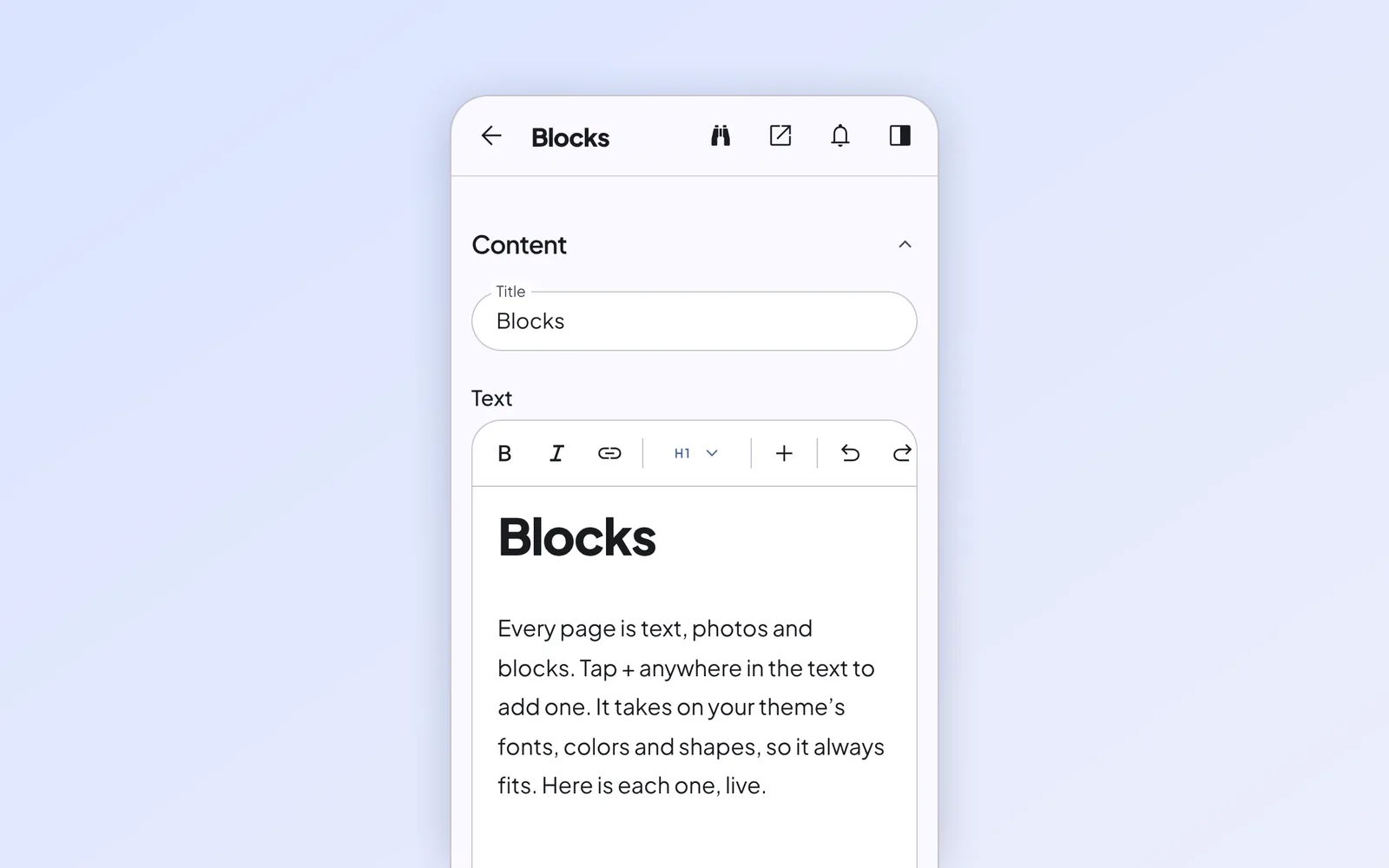
Blocks
Every page is text, photos and blocks. Tap + anywhere in the text to add one. It takes on your theme’s fonts, colors and shapes, so it always fits. Here is each one, live.
Buttons
Send visitors to a page, start a call or open a pop-up. Pick a style for each button.
Cards
Group related ideas with an icon, a photo or just text, each linking to a page if you like.
- With an iconIcons come from the icon pack you choose under Appearance.
- On a surfaceCards use your theme’s surfaces, corners and shadows.
- With a linkLink a card to a page and “Learn more” appears at the bottom.Learn more
- Any numberAdd as many cards as you like; they wrap neatly on every screen.
- Just textNo icon, no photo. Here on the accent color.
- One backgroundThe background applies to every card in the block.
Points
Short points with an icon, for what you offer or how to find you.
- ScheduledPublishes on its own at the time you pick.
- DraftStays in the editor until you publish it.
- HiddenOpens at its address but stays off Google.
Steps
A numbered sequence, for a process or a plan.
Pick a block
Tap + in the text and choose one.
Fill it in
The preview updates as you type.
Save
The editor checks the page and publishes it.
Checklist
Quick points with a check mark.
- Works on every phone
- Light and dark mode
- Photos sized for every screen
- No tracking before consent
List
Rows under each other, as your theme draws a list, or each on its own surface.
- BlocksEvery block a page can be built from.
- App storeApps and themes you install with one tap.
- AboutWhat the editor is built on.
- Monday to Friday9 am to 5 pm
- Saturday10 am to 2 pm
- SundayClosed
Accordion
Topics that unfold with a short summary and a link to the full page.
Blocks
Every block a page can be built from.
App store
Apps and themes you install with one tap.
Morpheme
What the editor is built on.
Questions and answers
Questions that unfold to reveal the answer, ready for Google to show in search results.
Can I use a block more than once on a page?
Yes. Each copy has its own content.
Can I turn a block off?
Yes, under Block settings. It can’t be added again until you turn it back on.
Price cards
Up to four plans side by side, with what’s included and a button.
Open source
Free
Run Morpheme on your own Cloudflare account.
- The editor and the standard theme
- MIT license
- Your own GitHub repository
- Popular
With apps
Custom
Your site plus apps and themes from the app store.
- Everything in Open source
- Apps and themes
- Updates with release notes
Testimonials
Quotes from the Testimonials list, as a carousel or a list. These are samples.
Sample testimonial
I update the menu from my phone before we open. It takes two minutes, and I haven’t had to call anyone since.
 Maya, bakery owner
Sample testimonial
Switching themes felt risky until we tried it. Every page came through untouched, and the new look was live the same afternoon.
Sample testimonial
The editor won’t let us publish a page with a missing title or a broken link. That alone has saved us a few embarrassing mornings.
Notice
A message that stands out, and can disappear on its own on a date you set.
Link collection
Pages grouped by topic.
Posts
The newest posts, a random few or the ones you choose, with a link to the rest.
1 min read
Build a page from blocks
Text gets you far. Blocks take you the rest of the way, and they always match your theme.
1 min read
Switch themes without losing anything
A theme changes how your site looks, never what it says.
1 min read
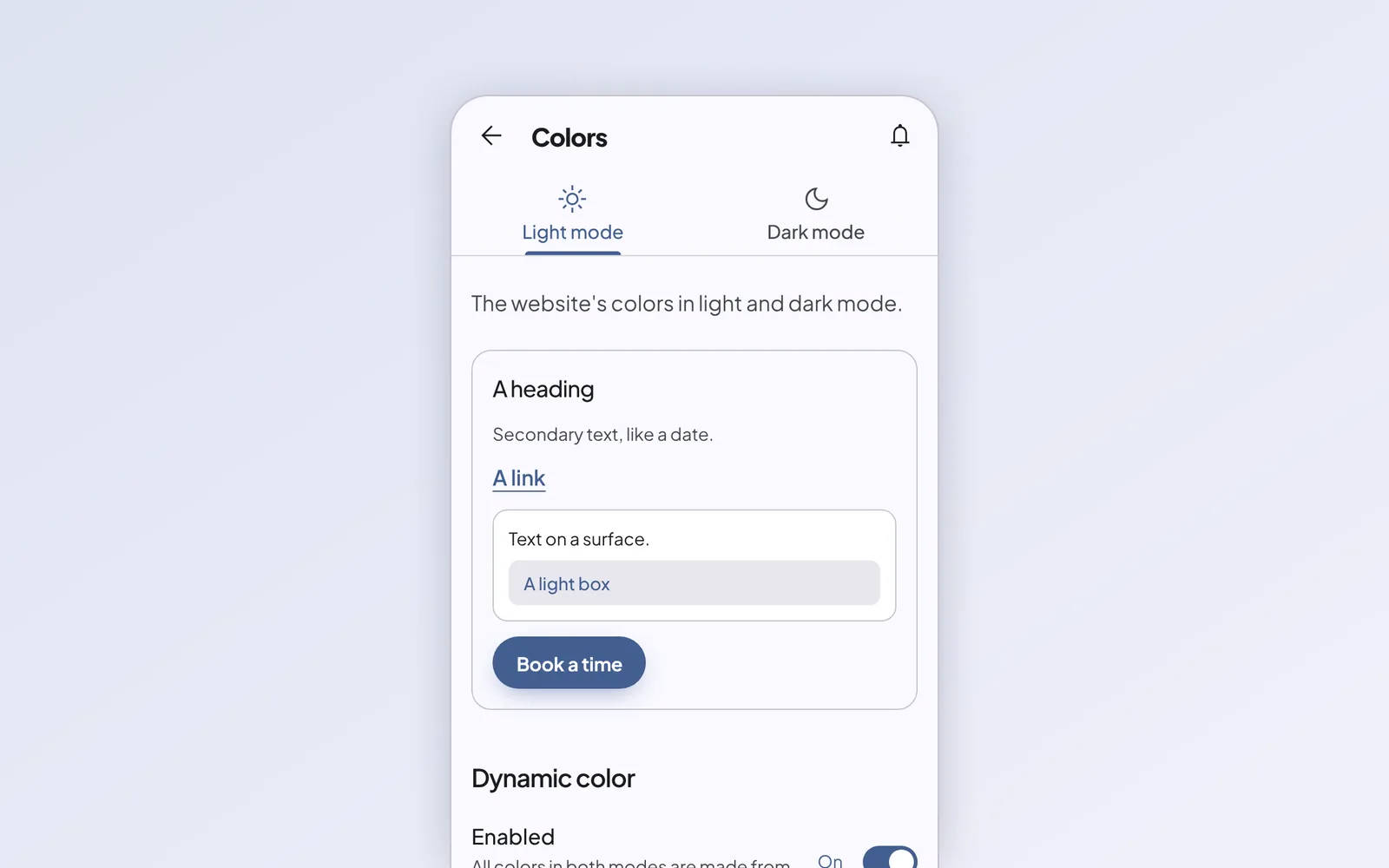
Colors everyone can read
Pick one color and the editor builds a full palette for light and dark mode, then checks that every word stays readable.
And a few more
The Banner at the top of the home page, every post on the blog page, and the Cookie list in the privacy policy. The Video block plays YouTube and Vimeo videos, loading nothing from them until a visitor presses play.