Colors everyone can read
Atomic
1 min read
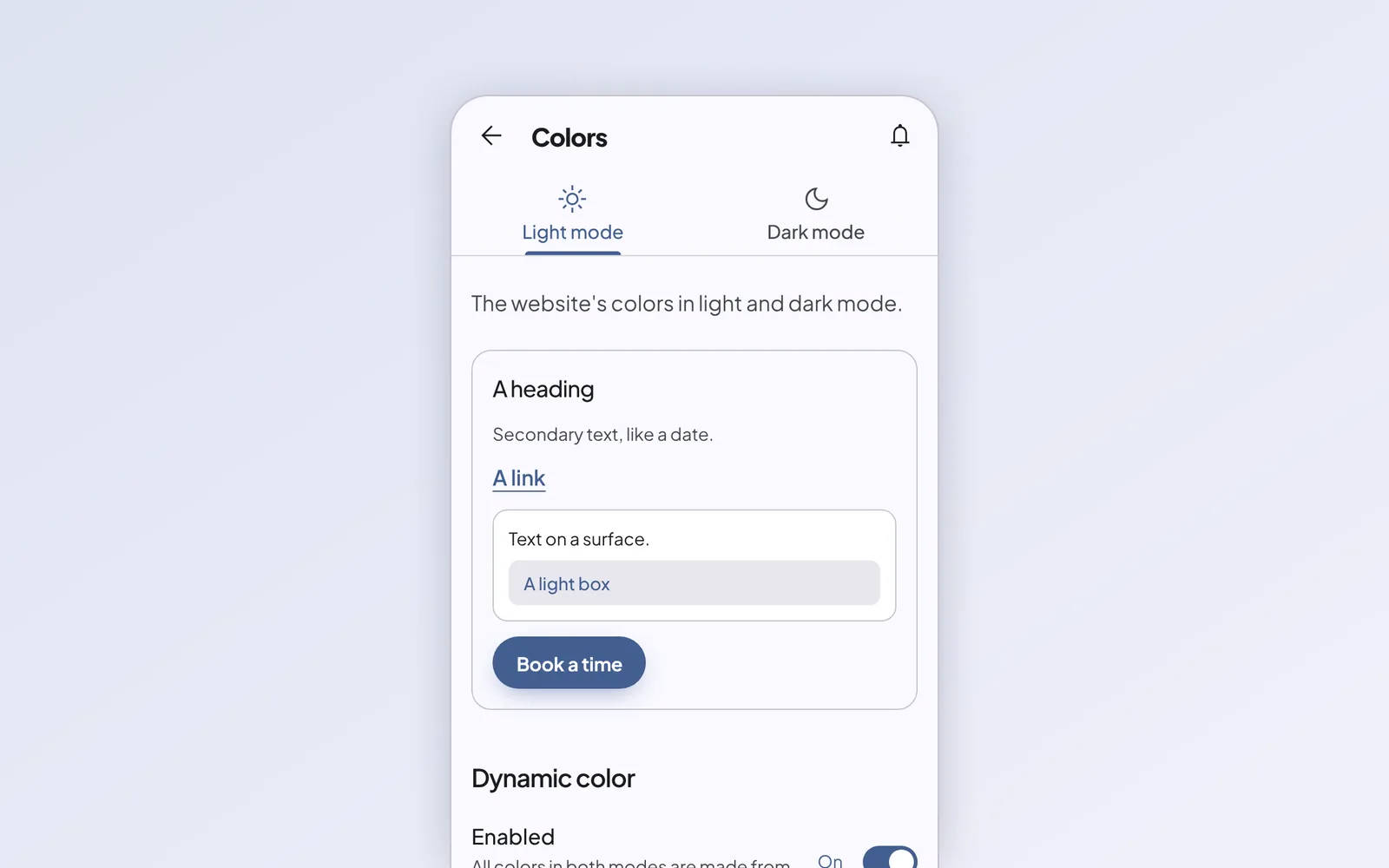
Under Appearance › Colors you set your site’s colors. Choose each one yourself, or pick a single color and let the editor do the rest.
One color, a whole palette
The editor builds your palette the way Material 3 does: background, surfaces, text, an accent and two supporting colors, each with a light and a dark version. Your site switches to dark mode automatically when your visitor’s phone does.
Before it saves, the editor checks the contrast against WCAG AA. If a color is too faint, it’s marked in red, and you can raise the contrast with one setting.