Switch themes without losing anything
Atomic
1 min read

A theme decides how your site looks: the fonts, the shapes, the shadows and how each block is drawn. It never touches what your site says.
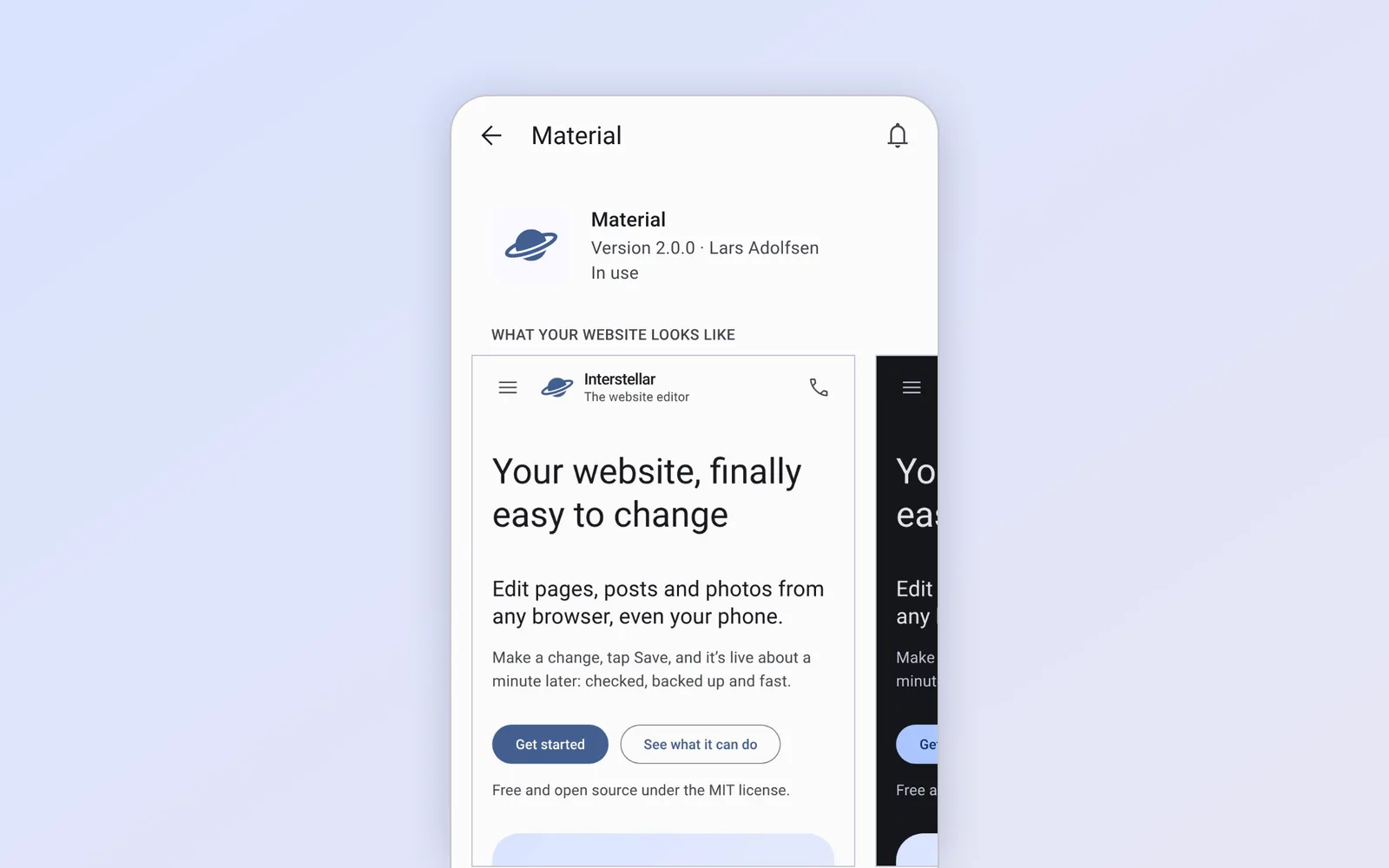
Built on Material
Every theme builds on the standard theme, Material, which follows Google’s Material Design 3. Anything a theme doesn’t change comes from Material, so a theme only has to describe what makes it different.
Switching takes a tap
Under Appearance › Themes you’ll find your installed themes, each with pictures of your site in that style. Pick one and tap Use theme. Your content, apps and colors stay, and you can switch back anytime.